Build The Car Parts Aftermarket Doesn't Make From a 3D Scan

When basic CAD and measuring tools aren’t enough — learn the skills to rebuild complex car parts from a scan you can 3D print.

Start scanning with the phone in your pocket, then move to a dedicated scanner when you need more detail. The workshop covers both methods!

A repeatable scan → rebuild → print process.

Get $50 off the workshop when you use code BFSAVE50 on checkout*

*Code is valid when you purchase the workshop this week. Deal expires this Sunday Nov. 8th

Price: $197 $147 with code BFSAVE50

Here's the breakdown:

Step 1: Capture a scan you can work from

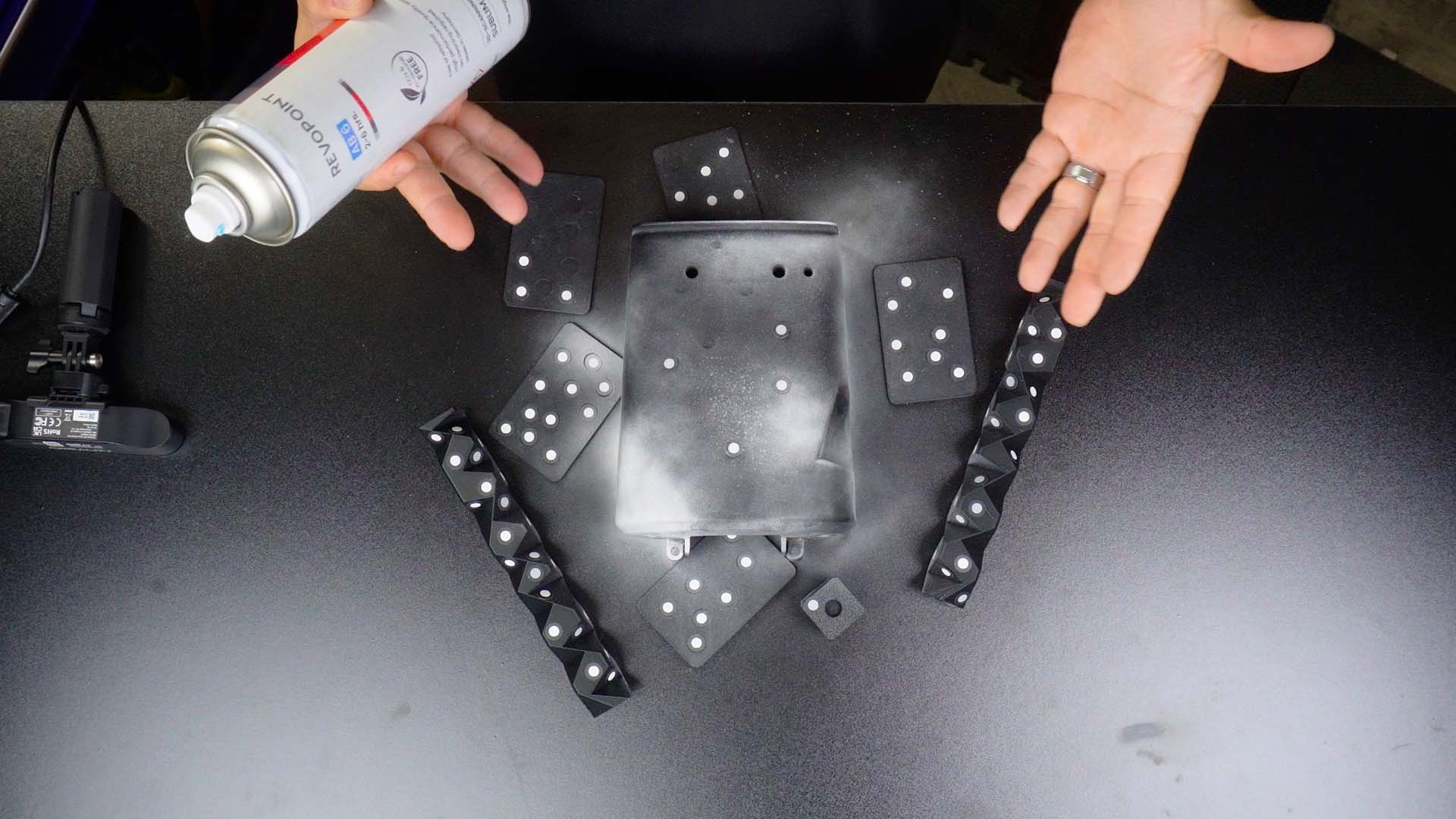
You'll learn how to scan small to large automotive parts using a phone with Polycam Photogrammetry software to dedicated scanners (Infrared/Blue Laser) across different price points from Creality and Revopoint.


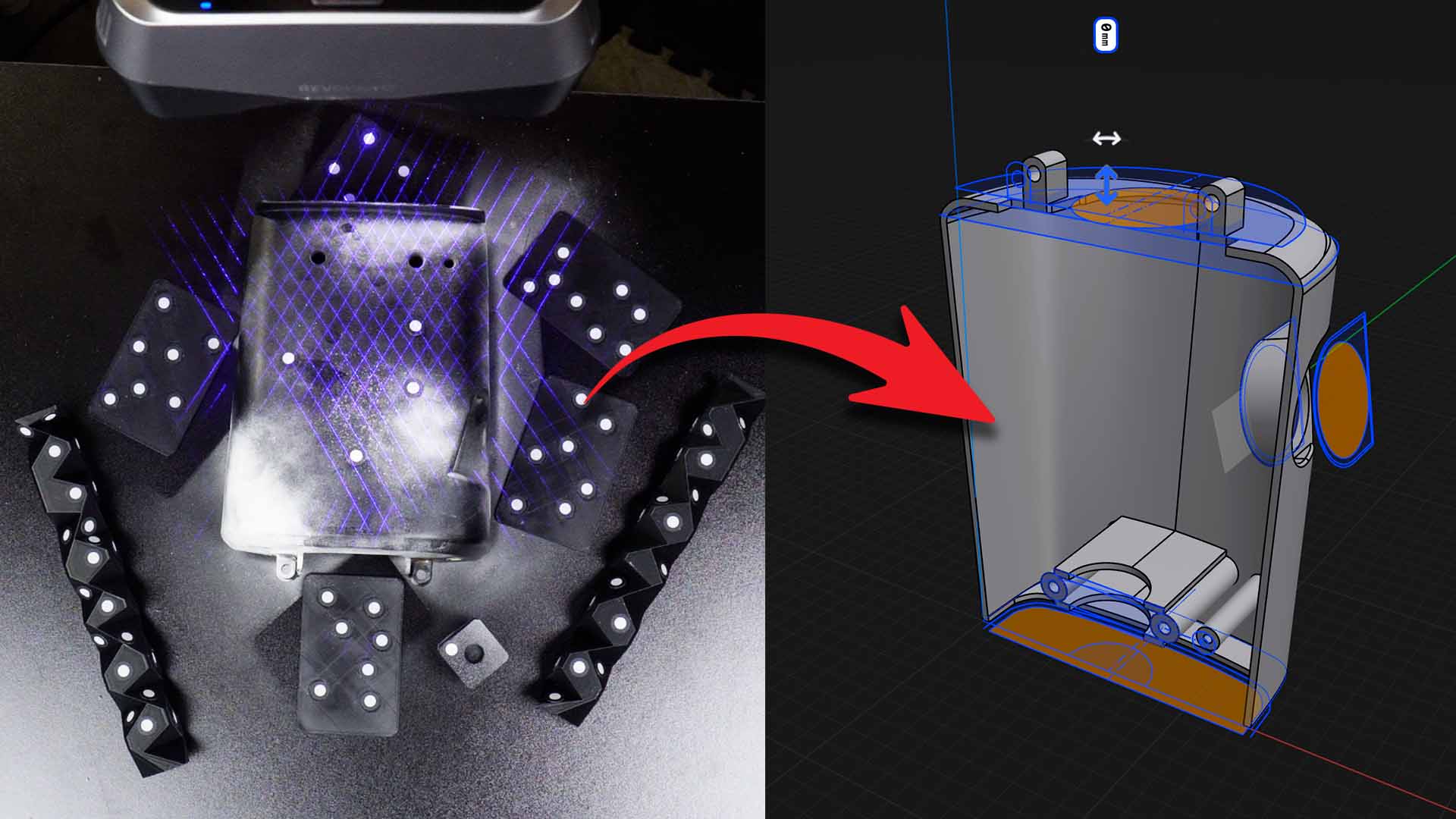
Step 2: Turn your scan into a 3D model you can modify

You'll prep and build your scans into clean models that you'll modify to be stronger than the original. You'll also learn to add custom features to your model using a simplified CAD workflow using Shapr3D.

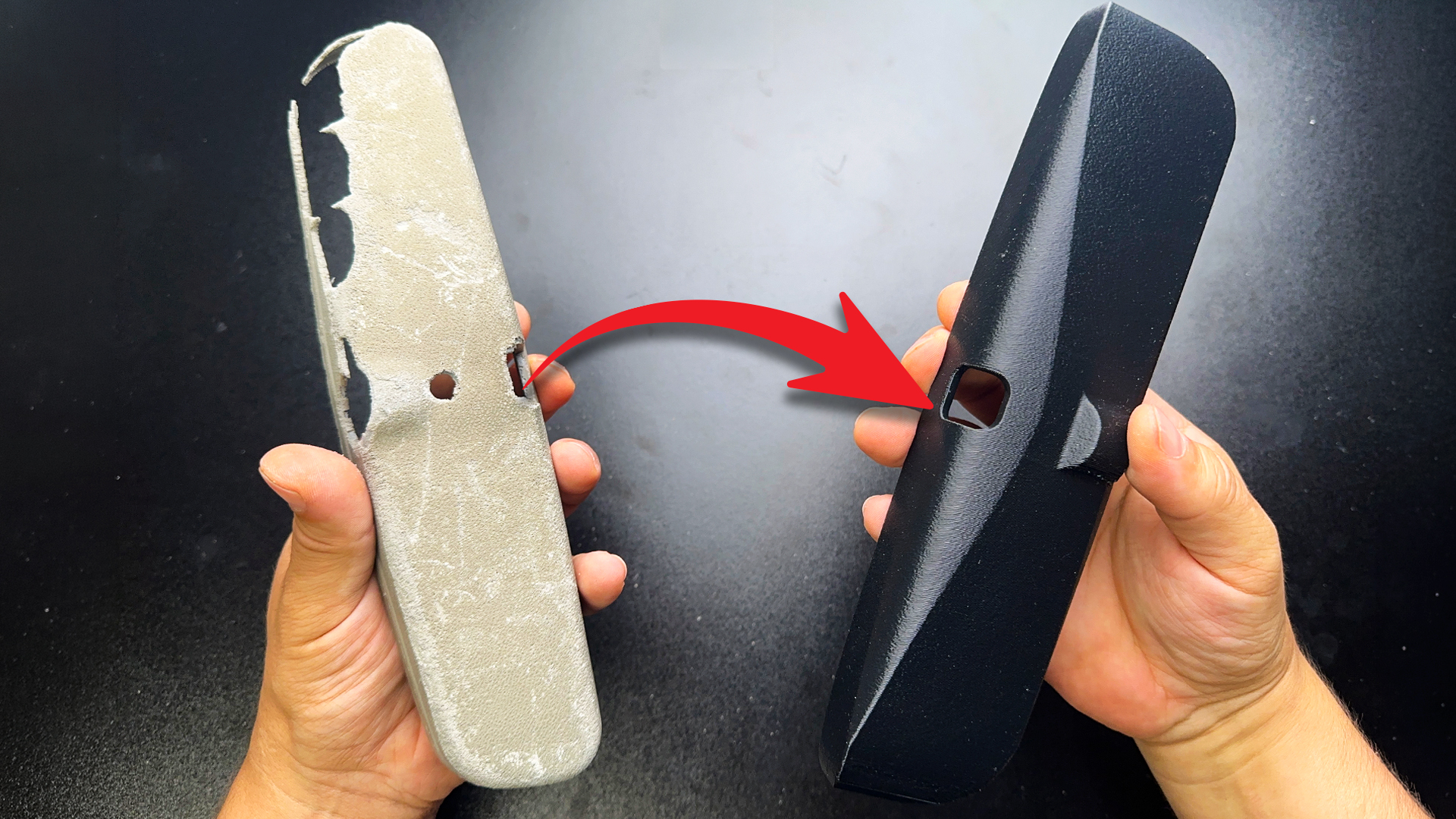
Step 3: Print your part for your exact build

You’ll also learn proper 3D printing orientation for added strength, surface finishes, and which materials can handle the engine bay to the dash of your automotive build.

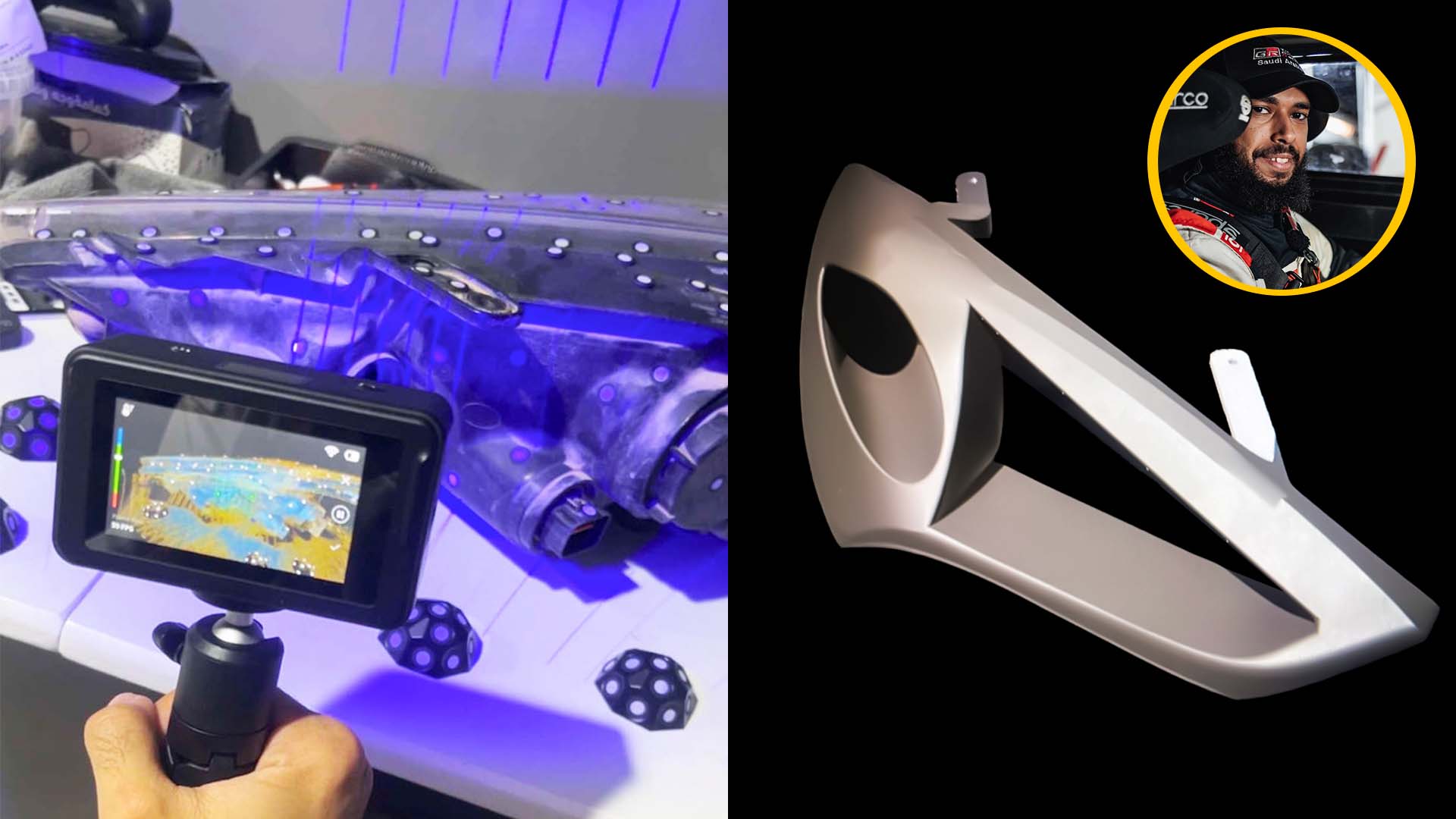
Workshop member @Yusefb7 used the same process to design a custom prototype headlight air intake for his drift build

What's Included

✅ My entire process for scanning, rebuilding, and modifying small to large car parts from photogrammetry, infrared, to blue laser scanning.

✅ Instructions are shown in step-by-step tutorials on scanning techniques, properly cleaning, merging, and reverse engineering the scans into printable 3D models.

✅ A detailed walk-through of working on each scan using the free version of Shapr3D (supported on Windows, iPAD, and MAC). Paid versions for high resolution 3d printable exports is less than $40 a month, and the workshop comes with a 10% off discount code to Shapr3D.

✅ A skill you can use over and over. All the scanning and design lessons you learn are transferrable across any scanning and CAD software like Fusion, FreeCAD, and OnShape.

✅ A case study breakdown on making a custom cold air intake headlight for a Pro Drifter's project car.

✅ [bonus] Use The 3D Scanner Car Parts Tool Selector™ to help pick the scanner and right scanning mode for the part you're building. $25 FREE*

✅ [bonus] The Scan-to-Print Car Part Blueprint™ helps you pick the exact settings that prevent your part from warping during the print, on the dash, or in the engine bay. $75 FREE*

✅ [bonus] You get all the car part scans and design files used inside the workshop. Follow the process, modify them, and move onto your parts. $50 FREE*

✅ [bonus] Most courses never get updates, but when scanning methods, software, or print materials change, workshop updates are yours for free. $50 a month FREE*

*bonuses included when you join today!
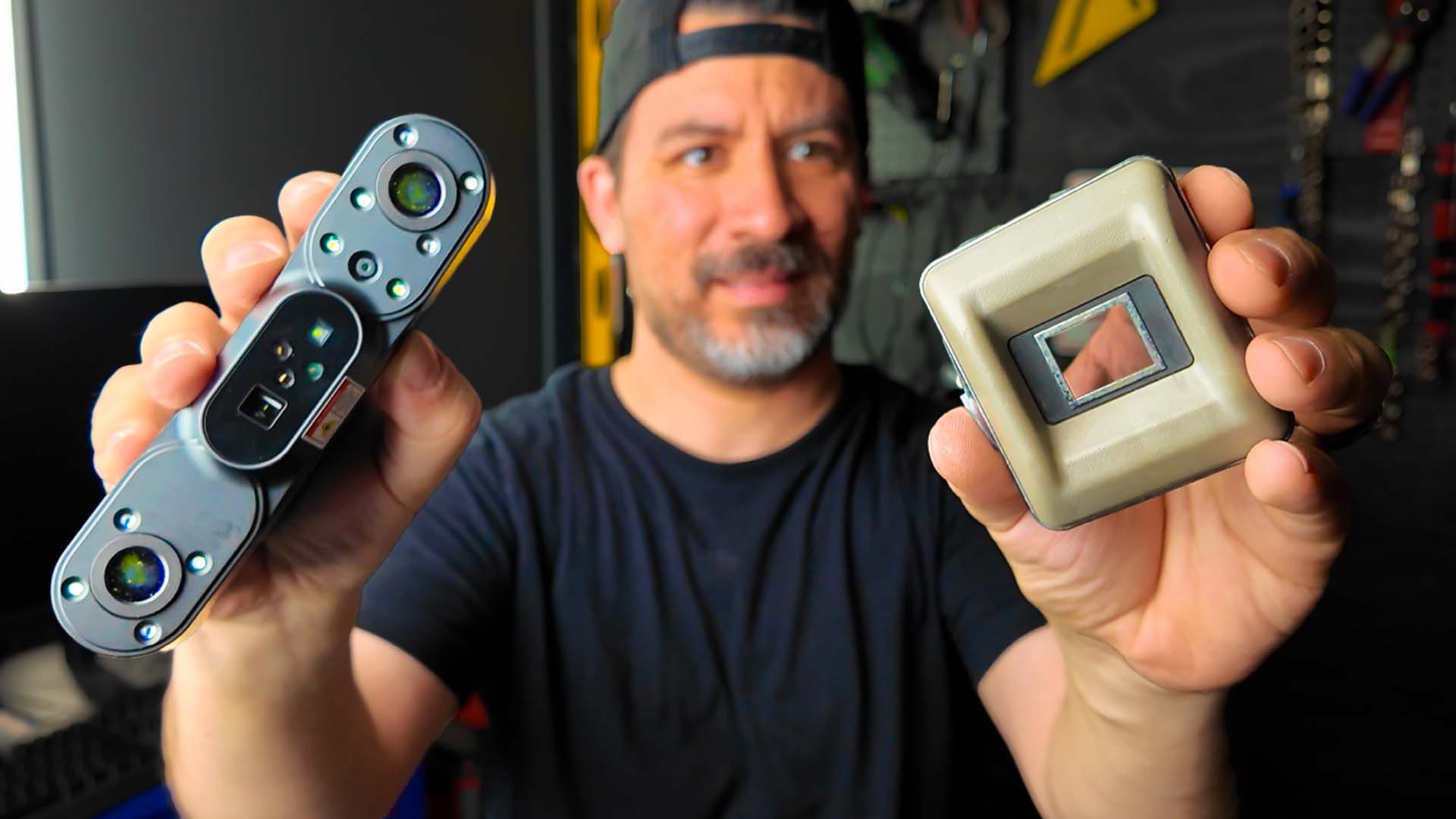
Not knowing how to pick a 3D scanner or scanning mode stalls your build

"

I liked seeing different scanners at different price points and how the scan is transferred into CAD, which helped me make the part I needed for my project car much faster...

Ashley P.
★ ★ ★ ★ ★

Scan and Build Your First Part Guaranteed

Go through the workshop: Scan, build, and install your part.

If you can't take your 3D scan to a functional 3d printed car part with the same process — email me and I'll personally help you find where things went sideways.

If you feel like the workshop still isn't the right fit, I'll refund you every single penny.

WANT A SNEAK PEAK?

I'll walk you through a quick preview of everything I teach in the Scan-to-Print Car Parts Online Workshop! Give it a watch.